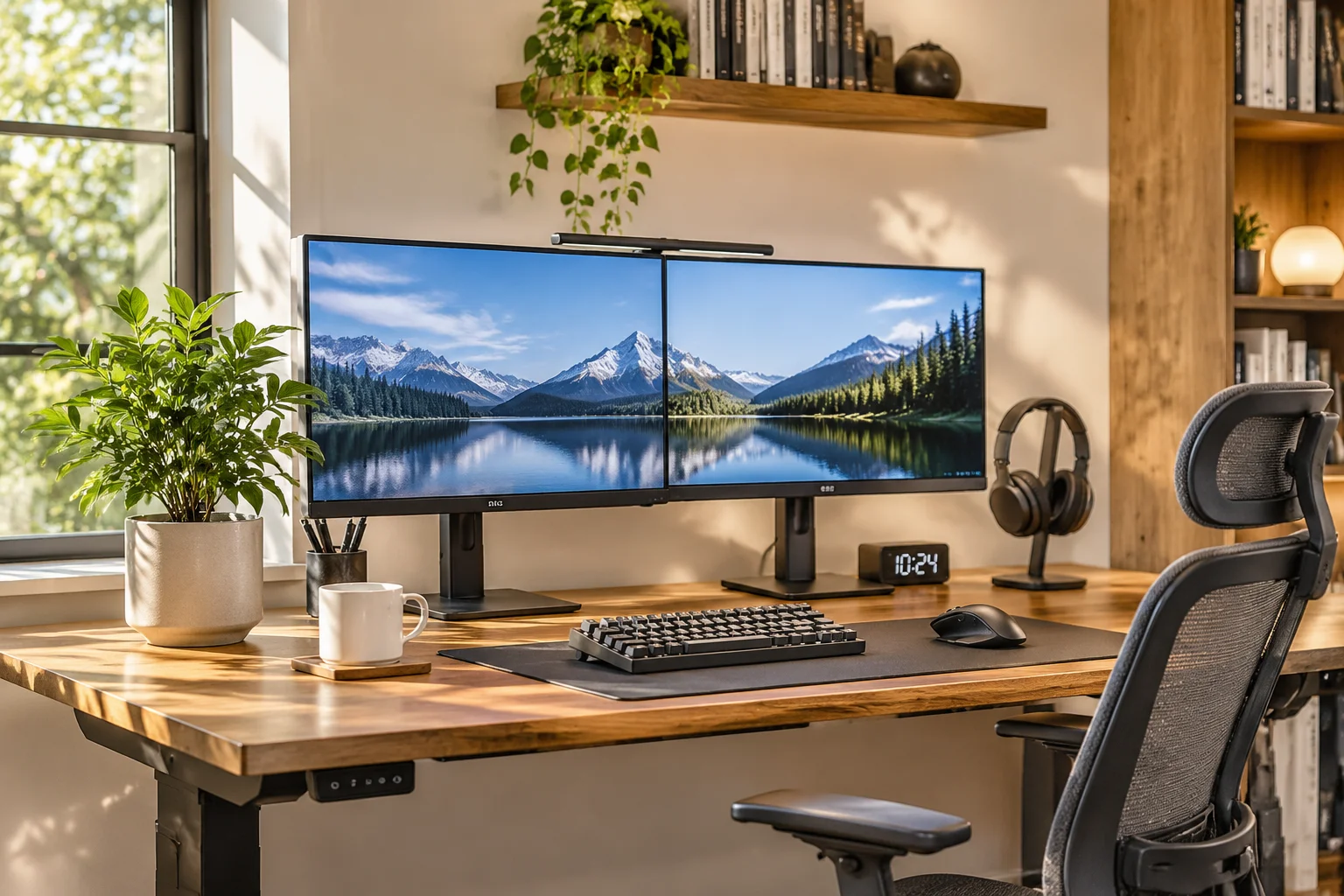
Seating Calibration and Desk Alignment
Begin your adjustment sequence strictly from the ground up. Sit back into your chair with hips pressed against the lumbar backrest and adjust the pneumatic cylinder until both feet rest firmly flat on the floor. If your desk height is fixed and forces you to raise the chair, integrate a firm footrest to maintain unimpeded circulation through the back of your thighs.
Position your desk surface so your forearms rest naturally parallel to the floor with your wrists floating in a neutral, unbent position. Avoid resting your forearms on hard desk edges; soft desk mats distribute contact pressure and reduce nerve compression during extensive typing sessions.
Visual Reset & Lighting Balance
Avoid placing your workstation with an unshaded window directly behind the display or directly behind your back. Perpendicular window orientation eliminates screen glare and silhouette backlighting. Pair natural light with an overhead asymmetrical monitor light bar to reduce eye fatigue without occupying desk space.
Cable Routing and Peripheral Placement
Tangled cords do more than disrupt aesthetics; they create visual clutter that subtly degrades focus. Use a raceway or cable basket beneath the desk top to hold all AC bricks, surge protectors, and long cables. Bundle remaining monitor and peripheral cords into braided sleeves that follow the desk legs seamlessly.
Mount secondary screens on an articulating monitor arm to reclaim valuable desktop real estate. Keep your mouse close to the keyboard edge so you never reach outward with an outstretched arm, which quickly agitates rotator cuff tendons over an eight-hour shift.

Comments & Discussion
No comments yet. Be the first to leave a comment.